How to Buy NFTs on Magic Eden | Buying & Selling NFTs for Beginners

Ethereum is not the only blockchain for NFTs, with NFT minting getting started on Solana early last year. Since then, activity has exploded, and the network provides a speedy, low-cost alternative to Ethereum. If you want to dive in and get started with NFTs without having to worry about gas fees, then Solana is good to go.
Within the Solana ecosystem there are several marketplaces, but Magic Eden has the biggest market share and works great, so let’s take a look at how to buy NFTs on Magic Eden (and sell).
Set Up a Wallet

You’re going to need a wallet that supports Solana, and the easiest, most popular option is called Phantom wallet. Like MetaMask it’s a browser based app that interacts with compatible sites. Another option is Solflare.
In either case, click through the website to download the wallet, and when you’re going through the set-up process, make sure–as with all crypto wallets–to carefully note down your seed phrase and store it in a safe place. Remember, if you need to restore your wallet and you don’t have this phrase, then your assets will be lost.
You’re going to need to load up with some currency, and on Solana we’ll be using SOL. You can get hold of SOL on major exchanges such as Binance, Coinbase, Kraken and Kucoin, and then withdraw from the exchange to your Phantom or Solflare wallet address.
How to Buy NFTs on Magic Eden
On the Magic Eden site, you’ll need to click on the Select Wallet button at the top right, and from there just click through to connect your wallet.
Take a look around the site and get used to the style. A good place to start is the Popular Collections section. Take a look at the artwork, figure out if collections have any utility or if they’re just about art and design, and compare prices.
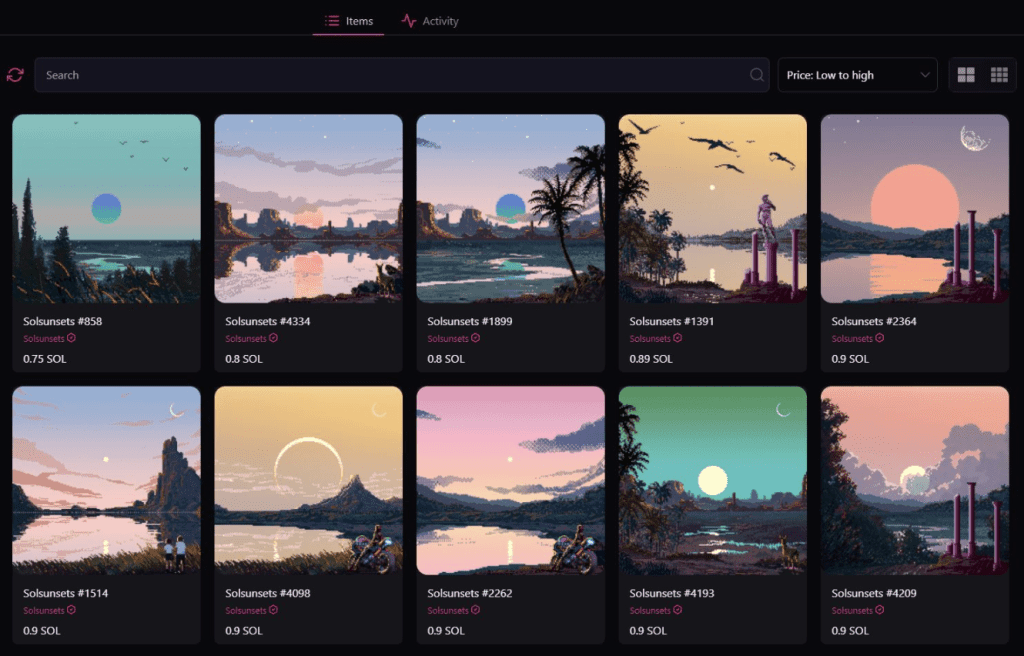
Having got a feel for the platform, if you find something you want to buy in a collection that interests you, then click on the item and you’ll get a lot more information about that particular NFT, including price history and attributes.
You can then click Buy now and you’ll be directed to approve the transaction in your wallet.
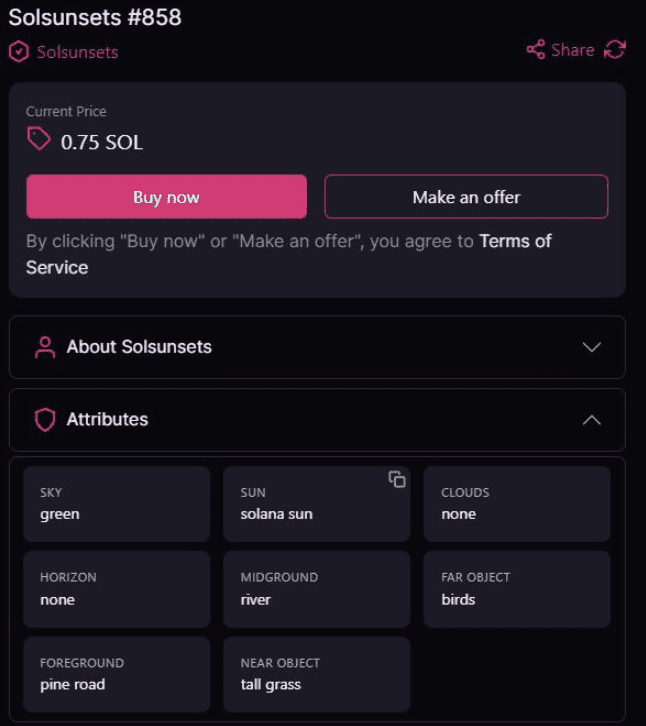
Solana is very quick, and after a few seconds the NFT will be viewable directly in your wallet.
Alternatively, instead of Buy now you can click Make an offer and, well, make an offer. If you do this, you can then go and continue browsing elsewhere, and if the seller accepts then the transaction will go through.
When viewing a whole collection, as on OpenSea you can switch from the Items tab to the Activity tab, where you can view sales activity. This is useful to get an idea of whether a collection is moving, and the price history. Also, at the left of the page, you can filter by price and attributes.
On collection pages there are buttons to the right of a collection’s title, linking to a project’s website and social media, so click through and find out more before buying.
Overall, the whole setup is very similar to OpenSea, and in general, once you get used to one marketplace, you’ll feel comfortable with most others.
How to Sell NFTs on Magic Eden
If you want to list an NFT for sale, then go up to the top right of the page, and click where it says Sell, next to where you connected your wallet. (The sequence of numbers and letters displayed there now, after connecting, is your wallet’s address).
On the page after clicking Sell, there’s a Sign In button, which just requires you to click and then click again to approve the action in your wallet.
Your NFTs will be displayed on this page, and you simply need to click on the one you want to sell. From there, enter your list price, and click List Now. Your wallet will pop up, click to approve the transaction, and after a few seconds you should be done.
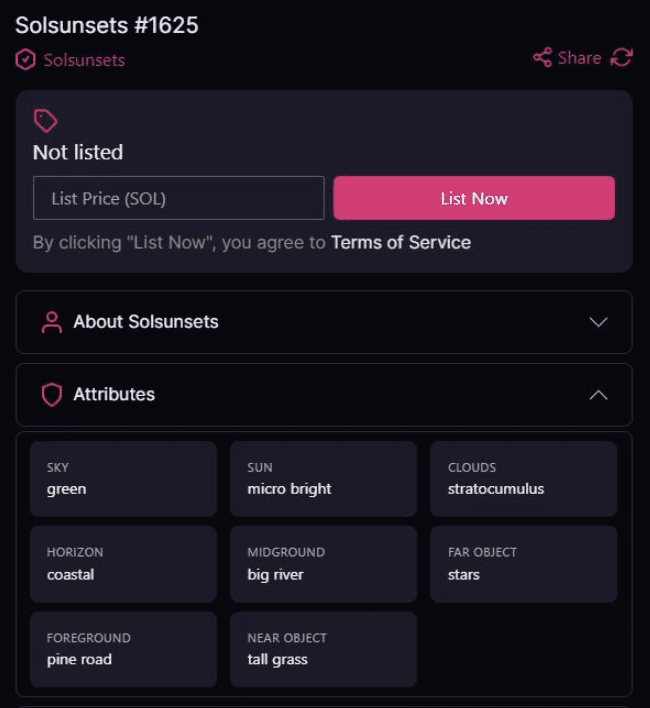
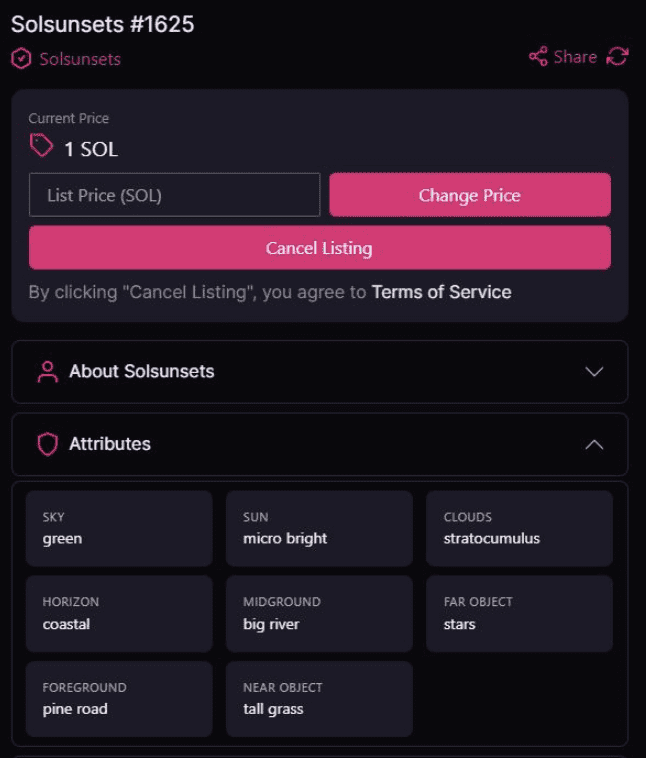
If you change your mind about selling, then go up to the very top of the page and again click on Sell. Click on the Listed items tab, and then click on the NFT you want to delist, and from there, click Cancel Listing. There’s also a Change Price option. As usual, you’ll be prompted to confirm actions in your wallet.
If you’re coming to Solana after having used Ethereum, then it makes a refreshing change to click through these kinds of transactions without having to consider gas fees, as transaction costs on the Solana network are so minimal.
Notable NFT Collections on Magic Eden
Degenerate Ape Academy

A collection of 10,000 apes that minted back in August 2021, and has subsequently gone on to become very sought after. Ownership grants access to the Degeniverse, or alternatively, owning a Trash Panda will give you access too.
Boryoku Dragonz
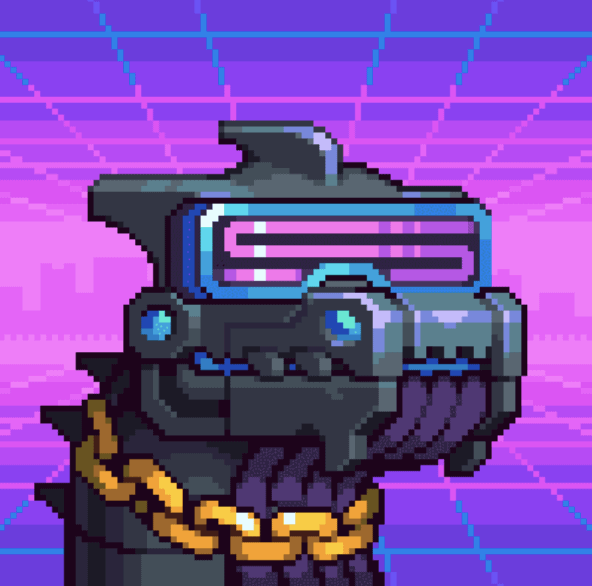
A blocky, pixel art collection of 1,111 science-fiction dragons. This project incorporates token airdrops and a breeding game, and has become highly collectible.
Mindfolk

A newer project, limited to just 777 pieces, Mindfolk has intricate artwork, a native utility token, and is building its own distinctive ecosystem.
Also take a look at Solana Monkey Business and the related Monke DAO for a collection that provides access to community organizations. Taiyo Robotics is a big name, check Aurory for play-to-earn gaming development, and there’s Portals if you’re looking for a metaverse project.

 TOP RECOMMENDED CRYPTO SERVICES
  BINANCE: BEST EXCHANGE FOR BUYING CRYPTO IN THE WORLD
 10% OFF FEES & $600 BONUS
 BYBIT: #1 EXCHANGE FOR TRADING 0% SPOT FEES AND $4,450 IN BONUSES
 BEST CRYPTO WALLET TO KEEP YOUR ASSETS SAFE BUY LEDGER WALLET HERE
💻 BEST CRYPTO TAX SOFTWARE ON THE INTERNET GET COINLEDGER NOW
 BITGET: BITGET IS YOUR TICKET TO SEAMLESS AND REWARDING TRADING EXPERIENCES!
 $30,000 IN BONUSES